Manage API Families
Manage API Families available within the ecosystem. API Families define groups of related API resources that organisations can publish to their Authorisation Servers, including publication rules, certification requirements, endpoints, and metadata.
API Families are managed as Reference Data and are available to organisations once created and enabled.
Only Super Users can create, update, duplicate, or disable API Families.
View API Families
Select Reference Data > API Families.
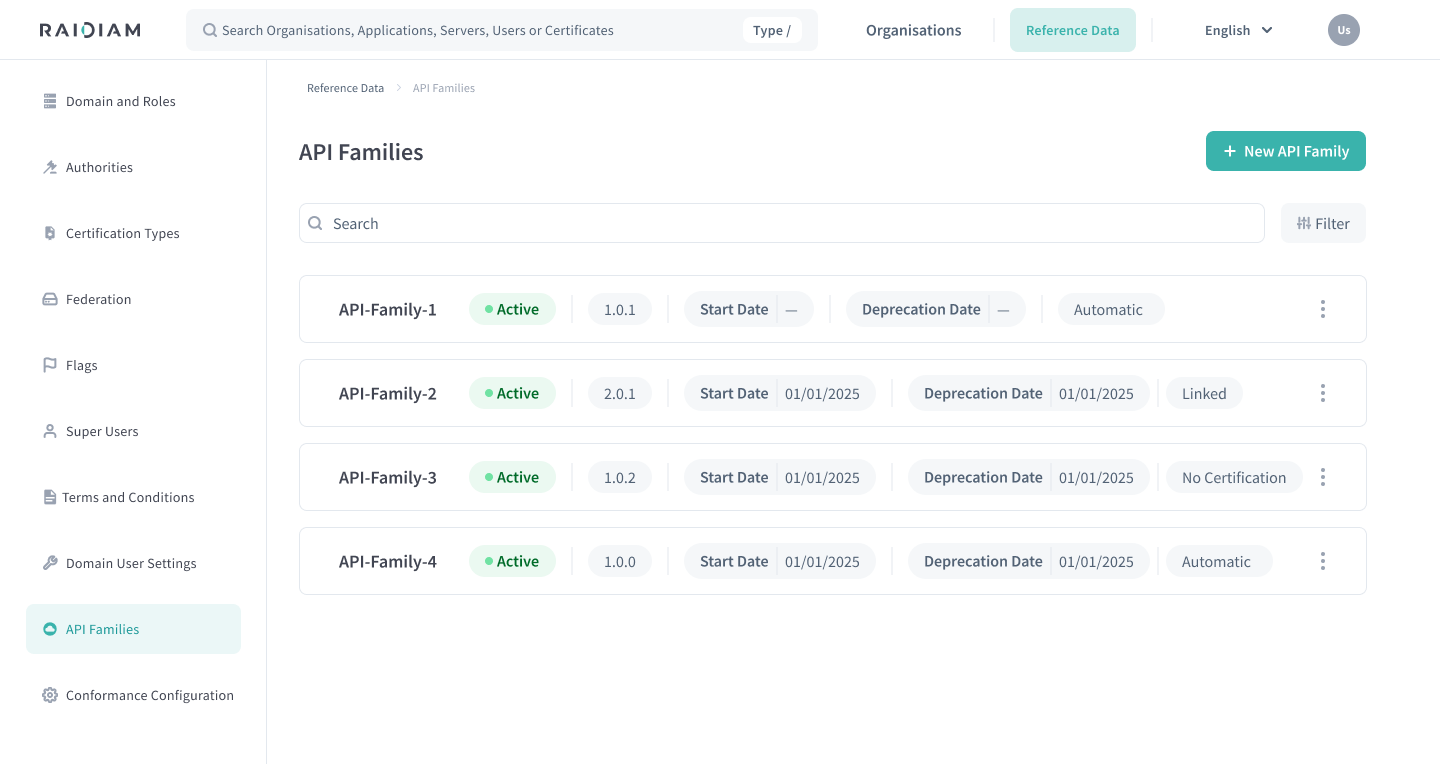
From this page you can:
-
Search API Families by name
-
Filter by Active status
-
View version, start date, deprecation date, and certification type
-
Access actions such as Edit, Duplicate, and Disable
View API Family Details
-
Select Reference Data > API Families.
-
Select an API Family from the list to open its details page.
The details page contains three tabs:
-
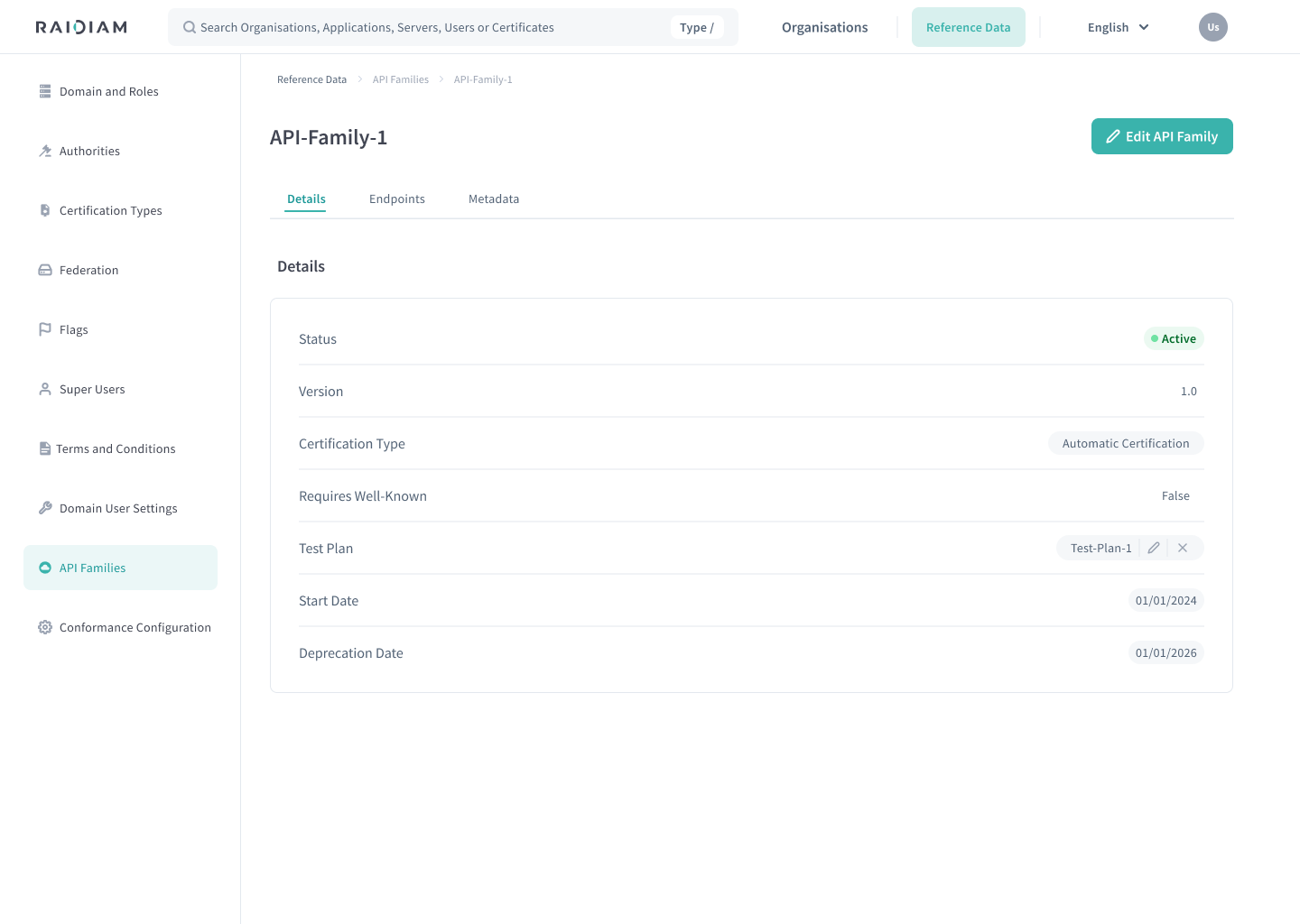
Details — General information such as status, version, certification type, start date, deprecation date, whether a
.well-knownendpoint is required, and the linked Test Plan (if applicable). -
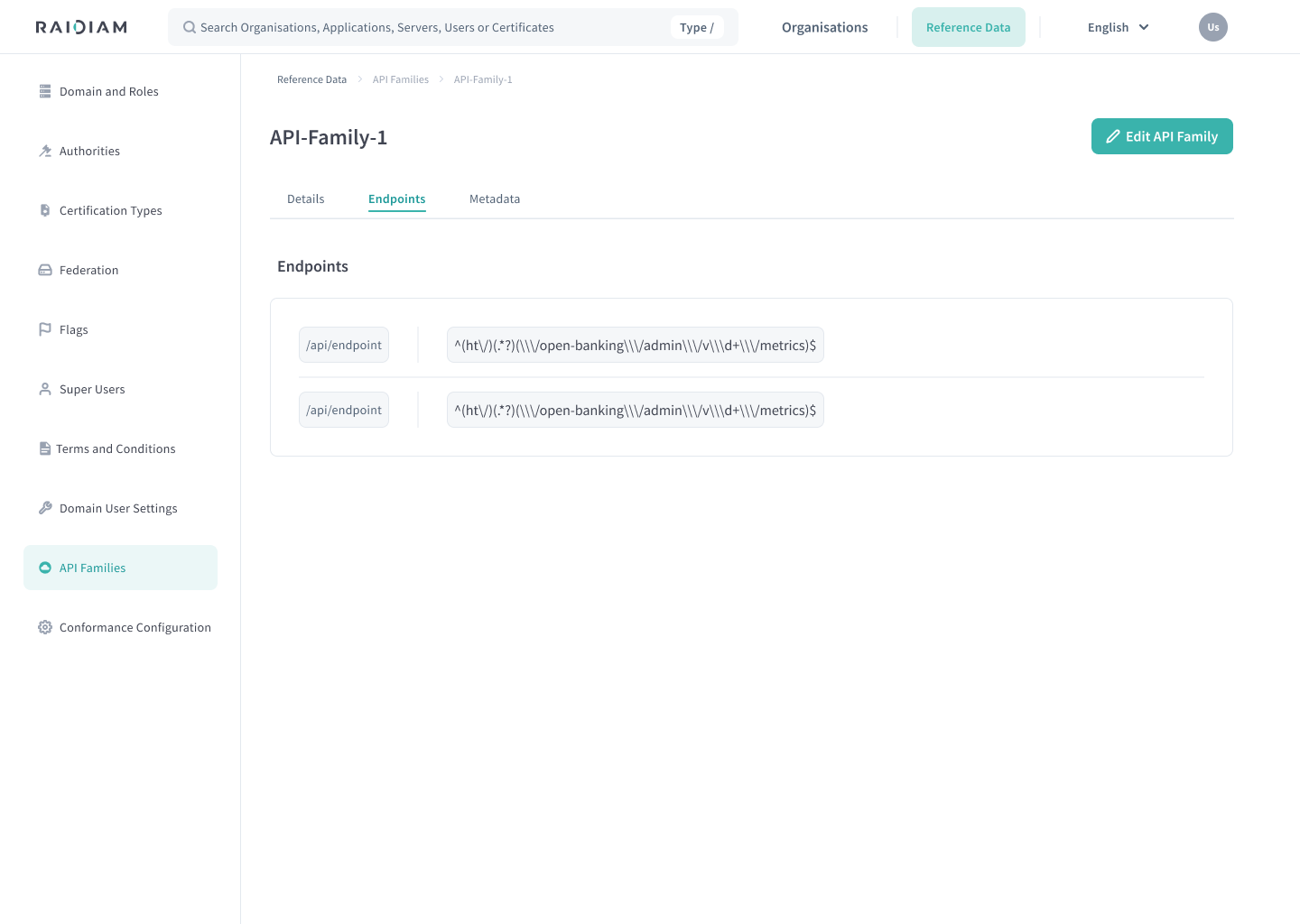
Endpoints — All endpoints associated with the API Family, including their generated matching rules.
-
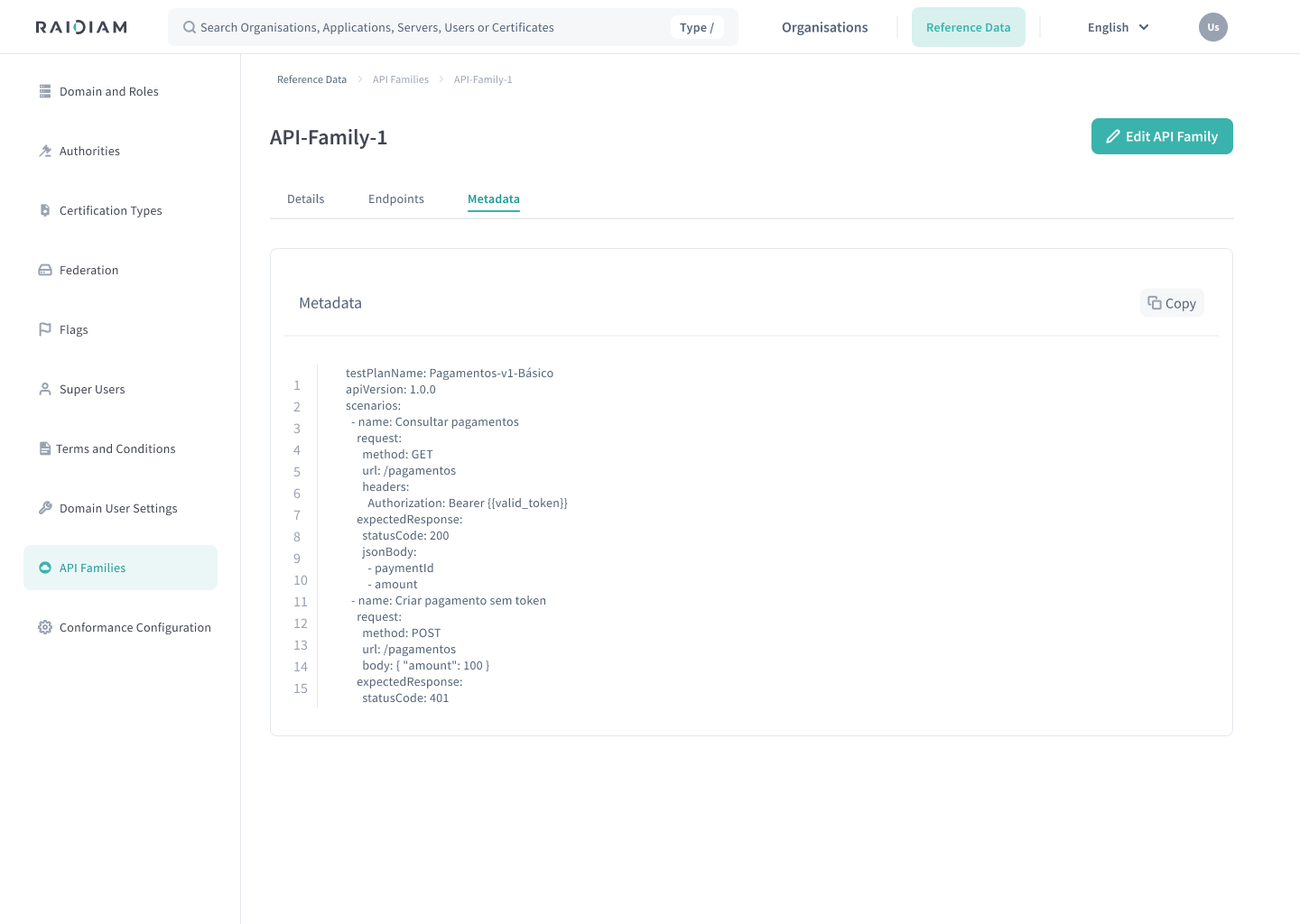
Metadata — Metadata available for API resources published under this API Family.
| Details | Endpoints | Metadata |
|---|---|---|
 |  |  |
Add New API Family
Select Reference Data > API Families > + New API Family.
The wizard consists of four steps.
Define API Family details
Define the core information and lifecycle rules for the API Family.
| Field | Description |
|---|---|
| Name | Name of the API Family. |
| Version | Version identifier of the API Family. |
| Start Date | API resources can only be published from this date onward. |
| Deprecation Date | API resources cannot be newly published from this date. |
| Require Issuer | Whether Authorisation Servers must expose a .well-known endpoint. |
Enable Require Issuer for API Families that require an authentication or authorisation flow.
A future Start Date prevents publishing before that date. After the Deprecation Date, API resources can no longer be published for this API Family.
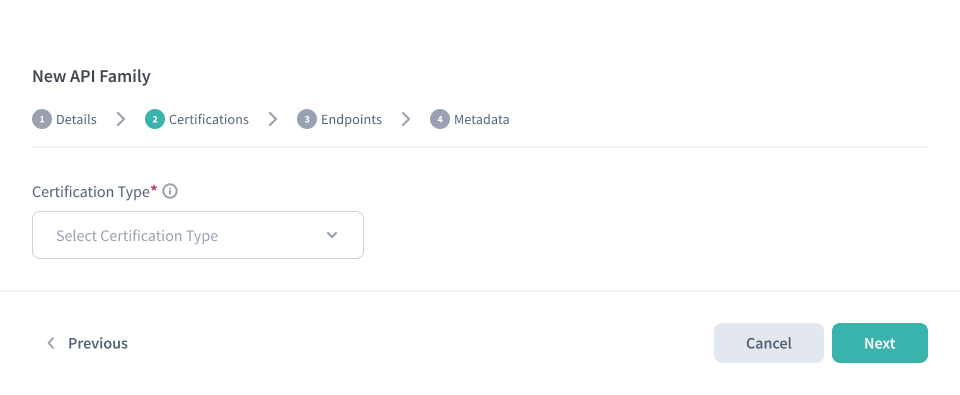
Select certification type
Select the certification requirement for API resources published under this API Family.
You must select one of the available certification types. If you require certification (Linked or Automatic), also configure a Certification URI Regex for the API Family. When organisations publish their API resources for consumption, they provide a Certification URI and Connect validates it against this regex.
| Certification Type | Description |
|---|---|
| Linked | Organisations must provide a Certification URI when publishing APIs. The URI is validated against the API Family's Certification URI Regex. |
| Automatic | Organisations must provide a Certification URI when publishing APIs. The URI is validated against the API Family's Certification URI Regex. Certification is handled automatically via tests and requires a linked Test Plan. |
| No Certification | No certification URI is required to publish the API resource. |
Configure endpoints
Define the endpoints that belong to the API Family.
The endpoints you configure here define the expected shape of API URLs for this ecosystem. When an organisation administrator publishes API resources for integration, they can use API discovery to automatically generate the full set of endpoints for the chosen API Family.
In the directory UI, an organisation administrator typically goes to Servers > Server > API Resources and selects Add API Discovery Endpoints (or uses APIs). By providing only an API base URL and selecting the API Family, Connect discovers and adds all endpoints configured for that API Family. This supports governance and interoperability by ensuring published APIs follow a consistent endpoint structure.
For the organisation workflow, see Add API Discovery Endpoints.
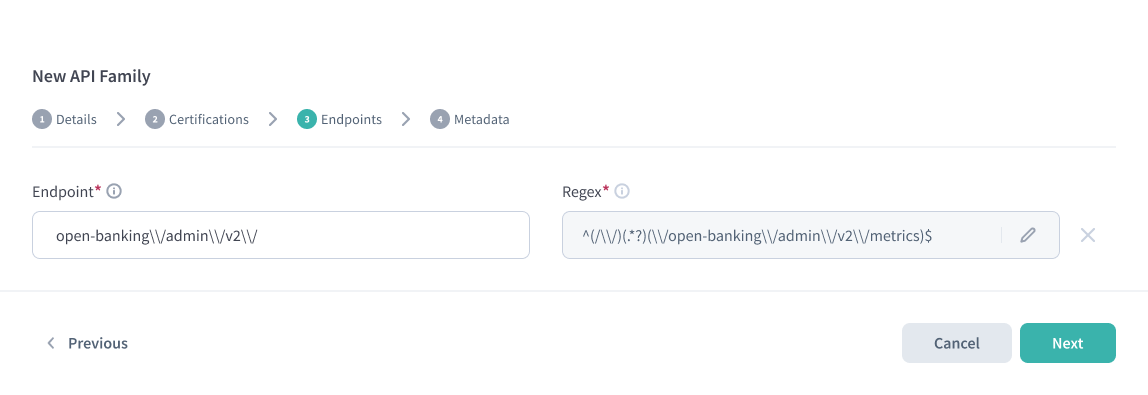
Endpoint configuration: paths and regex
For each endpoint:
-
Enter the Endpoint path.
-
A Regex is automatically generated and used for matching published APIs.
The endpoint must include a version segment in the path, for example
\/v1,\/v1.2, or a version-regex such asv\\d+(?:\\.\\d+)*.For example, these endpoint paths are valid:
-
/ob/api/credits/v1 -
/ob/api/credits/v1.0 -
/ob/api/credits/v\\d+(?:\\.\\d+)*
noteThe generated regex is derived from the endpoint definition to ensure consistent validation. Select the pencil icon next to a regex to edit it manually.
If you see a validation error stating the endpoint "must contain a version path", update the endpoint to include the version segment as shown above.
-
Select + Add Endpoint to include additional endpoints.
Configure metadata schema
Configure the metadata schema for this API Family. The schema defines what additional information organisations must provide when publishing API resources belonging to this family.
As a Super User, you register a JSON Schema that specifies the structure, required fields, and validation rules for API metadata. Organisation users then populate metadata values according to this schema when they configure their API metadata.
Select Save to create the API Family when the metadata is provided.
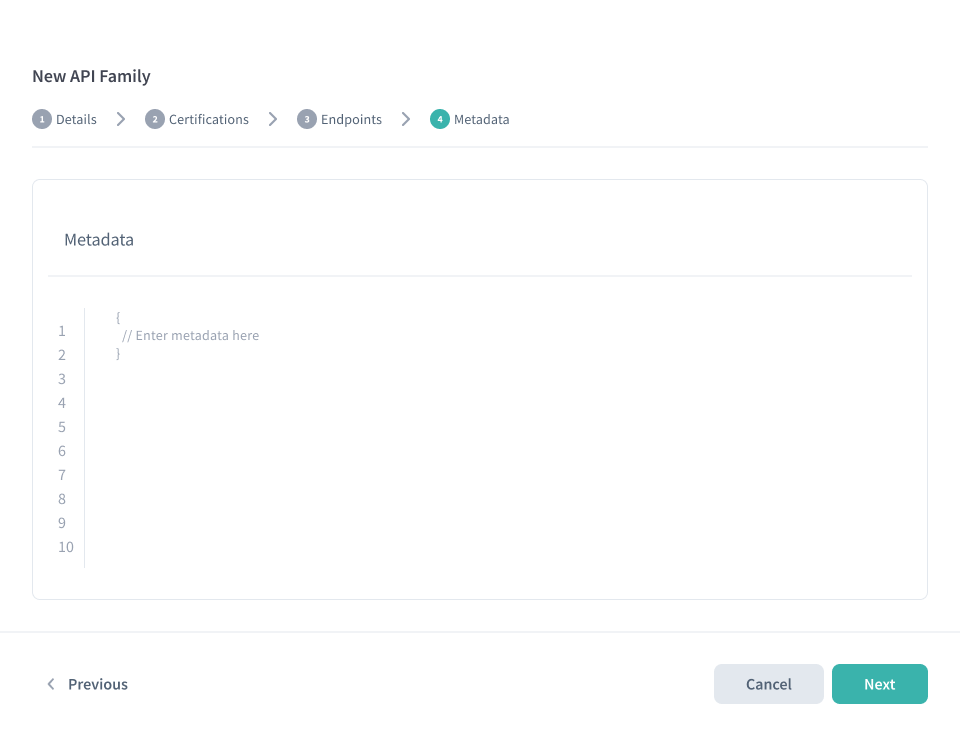
Example metadata schema
The following example shows a metadata schema for a Confirmation of Payee API
Family. It requires organisations to provide a bank-code field with specific
format validation:
Paste the schema object itself (not wrapped in metadata or metadataSchema).
{
  "$schema": "https://json-schema.org/draft/2020-12/schema",
  "$id": "https://raidiam.com/schemas/json-schema/cop-poc-schema.json",
  "title": "confirmationOfPayee",
  "description": "A POC schema",
  "type": "object",
  "properties": {
    "bank-code": {
      "type": "object",
      "properties": {
        "required": {
          "type": "boolean"
        },
        "values": {
          "type": "array",
          "items": {
            "type": "string",
            "pattern": "^(?:\\d{2}|\\d{6}|\\d{9})$",
            "description": "The value must be a numeric string consisting of exactly 2 digits, 6 digits or 9 digits."
          }
        }
      },
      "required": [
        "required",
        "values"
      ]
    }
  },
  "required": [
    "bank-code"
  ]
}
| Schema field | Description |
|---|---|
$schema | The JSON Schema draft version (typically https://json-schema.org/draft/2020-12/schema). |
$id | A unique identifier URI for this schema. |
title | Human-readable name for the metadata schema. |
description | Explanation of what this metadata captures. |
properties | The fields organisations must populate, with their types and validation rules. |
required | Array of field names that are mandatory. |
Link Test Plan
When an API Family using Automatic Certification is created, you are prompted to link a Test Plan immediately after the wizard completes.
The Test Plan defines the set of automated tests executed against API resources published under this API Family.
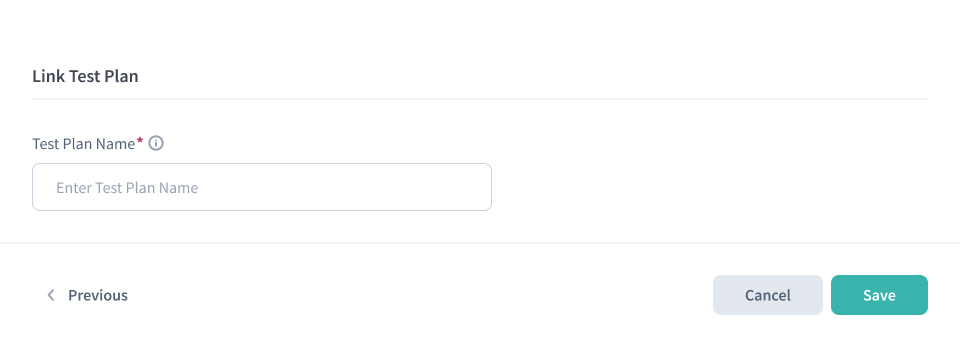
Select Link Test Plan and choose an existing Test Plan to associate with the API Family.
API Families using Automatic Certification must have a Test Plan linked before API resources can be successfully certified.
API Family Availability
Once created and Active, an API Family:
-
Appears in the API Families list
-
Becomes available for organisations to publish to their Authorisation Servers
-
Enforces lifecycle rules (dates, certification, Issuer requirements)
Manage Existing API Families
Each API Family provides actions via the Actions menu.
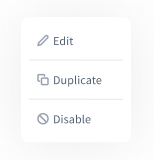
Edit
Update an API Family's details, certification type, endpoints, or metadata. Changes apply immediately and affect future API publications.
Duplicate
Create a new API Family using an existing one as a template. This is useful when creating new versions or similar APIs with small variations. All fields can be adjusted before saving.
Disable
Disabling an API Family prevents it from being used for future publications.
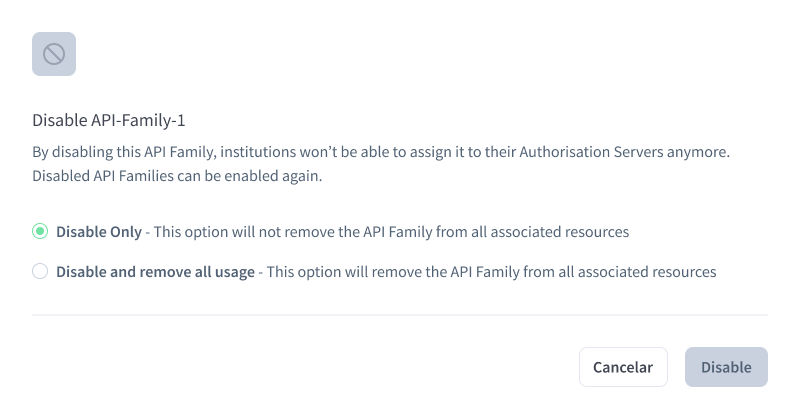
| Option | Effect |
|---|---|
| Disable only | The API Family becomes unavailable for new publications but remains attached to existing Authorisation Servers. |
| Disable and remove all usage | The API Family is disabled and removed from all Authorisation Servers where it is currently published. |
Disable and remove all usage is irreversible and immediately impacts all servers using the API Family.
Disabled API Families can be re-enabled if required.
Next Steps
- Publish API resources using enabled API Families.
- Add an Authorisation Server to publish API resources against.
- Add Roles and Permissions to control which organisations can access specific API Families.
